

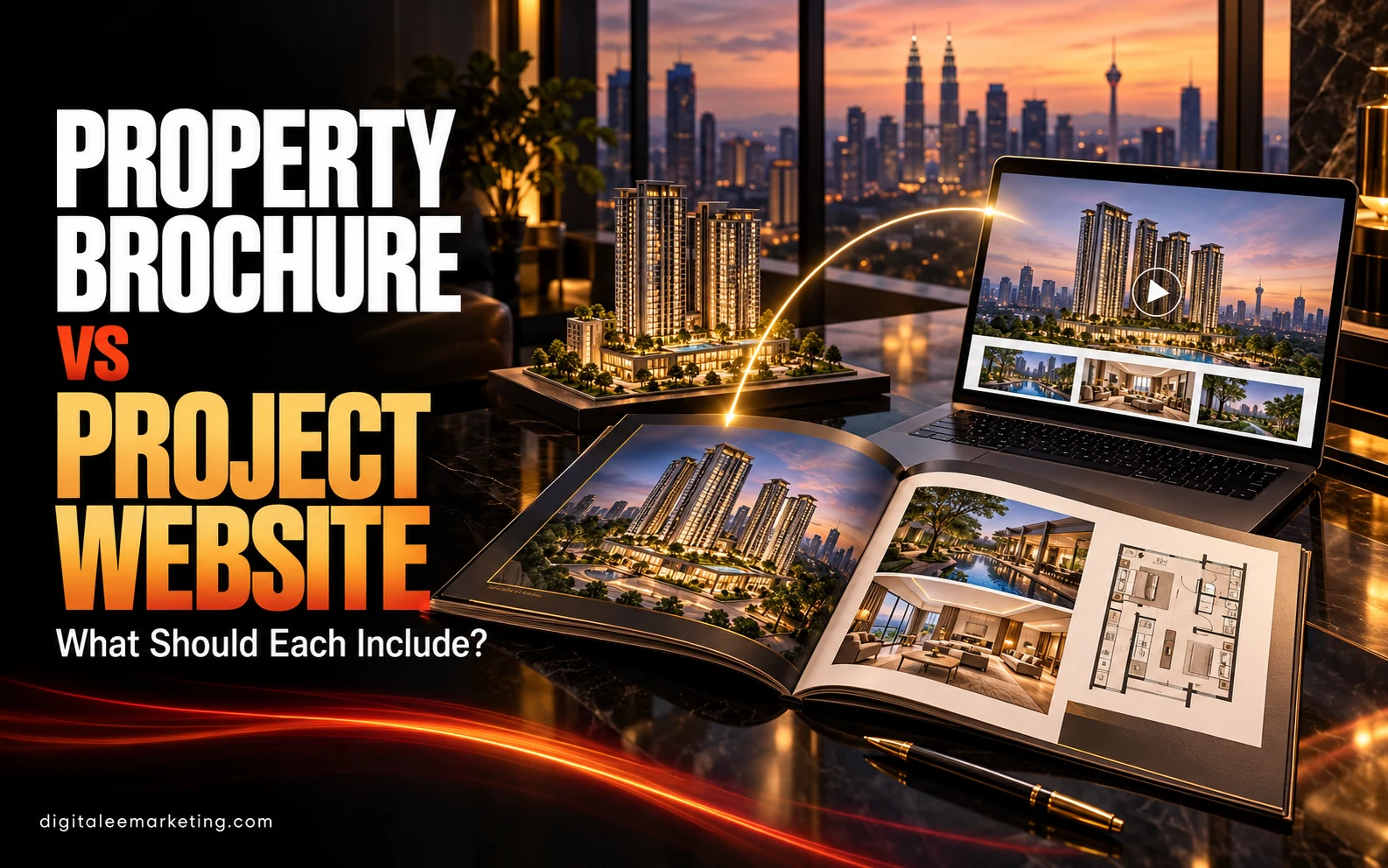
A property brochure and a project website help potential buyers understand a development, but people use them differently.
A brochure provides a focused introduction that buyers can take away, share, or review after a conversation. A website gives them space to explore more details, watch videos, check current information, and make an enquiry.
Planning both together helps you keep the message consistent while giving each format a clear purpose.
Here is what to include—and how to connect them.
Start With One Approved Source of Information
Before designing either asset, organise the project details your team is authorised to publish.
Confirm the project name, location, unit types, specifications, facilities, contact details, and any required disclosures. Establish who approves changes and maintains the information.
Use this reference for both the brochure and website. Differences in layout names, measurements, images, or promotional details can create confusion for buyers and extra work for your sales team.
Clearly distinguish confirmed features from proposed elements, artist impressions, and illustrative examples.
What Should a Property Brochure Include?
A brochure should help someone understand the project’s main proposition without having to search through too much information.
Prioritise clarity, useful visuals, and a logical reading order.
A Clear Project Introduction
Explain what the development is, where it is located, and its main characteristics.
Use specific, approved information. Support lifestyle statements with details that help buyers understand the offer.
For example, explain the layouts or shared spaces behind a claim about family living.
Key Features and Facilities
Highlight the features most relevant to your intended audience.
Organise them into readable sections, with brief descriptions where an image or icon alone may be unclear. Identify features that apply only to certain units or phases.
Avoid squeezing every detail onto the page. Your sales team and website can provide further explanation.
Readable Floor Plans
Include clearly labelled plans for the layouts featured in the brochure.
Show the relevant unit type, dimensions or area information, and a legend where needed. Keep labels readable at the final print size.
Use approved plans and include the applicable explanatory notes. Buyers should be able to understand what they are viewing without relying on decorative graphics.
Accurate Property Visuals
Choose images that explain the development.
Use photographs where appropriate, and clearly identify artist impressions, furnished show units, and digitally altered visuals. Avoid presenting an illustrative interior as the condition of every available unit.
DigitaLee Marketing’s professional videography and photography services can support the production of project visuals for use across your marketing materials.
Location Information
Provide a readable map and relevant surrounding landmarks.
Verify labels, distances, and access information before publication. Qualify travel-time estimates with the basis used, and distinguish existing amenities from proposed ones.
Keep the map focused enough to be useful at brochure size.
Contact Details and a Website Link
Make the next step easy to find.
Include the appropriate enquiry contact and project website address. A QR code can connect readers to more detailed information or viewing arrangements.
Test the printed QR code at its final size, and include a readable web address alongside it.
What Should a Project Website Include?
Your website should expand on the introduction and help visitors move through their research at their own pace.
Organise information around the questions buyers are likely to ask.
A Concise Overview
Explain the project quickly near the top of the page.
Give visitors a clear route to layouts, visuals, location information, and enquiries. Make important information accessible on a phone without requiring people to watch a video or download a brochure first.
Detailed Layout Information
Provide space to explore individual unit types.
Place floor plans beside relevant specifications and clearly labelled visuals. If you include information about availability or pricing, assign someone to keep it current.
Avoid leaving visitors uncertain about whether a layout is an example or currently offered.
Video Tours and Image Galleries
Use galleries and walkthroughs to answer questions that a brochure cannot fully explain.
A video can show how rooms connect, while a gallery lets visitors review details at their own pace. Label what each asset shows and provide captions for spoken information where relevant.
For wider location context, explore DigitaLee Marketing’s aerial drone photography services.
Frequently Asked Questions
Include answers based on real sales conversations.
Useful topics may cover viewing arrangements, featured layouts, what a show unit represents, and how to request further details.
Keep answers factual and direct visitors to the appropriate person when a question requires individual clarification.
Clear Enquiry and Viewing Options
Place contact options where they support the visitor’s next step.
Someone reviewing a layout may want to ask about that unit type. Someone exploring the location may be ready to arrange a visit.
Use clear invitations such as “Request Layout Details” or “Arrange a Viewing.” Keep forms proportionate to the information your team needs, and explain how submitted details will be used.
DigitaLee Marketing offers website and landing page creation to support project information and campaign enquiries.
What Belongs in Both?
Both formats should communicate the same core facts:
- Project identity and location.
- Relevant property features.
- Approved layout information.
- Accurately labelled visuals.
- Appropriate contact details.
- Applicable disclosures and explanatory notes.
They should also share a consistent visual identity and tone. Buyers should recognise that the brochure, website, and sales conversation refer to the same development.
What Needs More Care in Print?
Printed materials are harder to update once distributed.
Be deliberate about including information that may change, such as availability, event dates, and promotional terms. Establish a version date and an approval process before printing.
When updates are needed, tell the sales team which version is current and review older downloadable copies.
A website link can direct readers to further information, but the printed brochure still needs to be accurate when issued.
How Should the Brochure and Website Work Together?
Plan a clear journey between them.
A brochure can introduce a layout and link to its detailed page. A location section can direct readers to further visuals. A sales representative can share the website after a meeting so buyers can revisit the information.
Link QR codes to stable, relevant destinations. If a page moves, maintain a working route so previously distributed materials remain useful.
Let website visitors download the brochure where helpful, while keeping essential project details available directly on the page.
Review Both Before Publication
Check the brochure at its intended print size and test the website on a phone.
Review text, measurements, image labels, contact details, links, forms, and QR codes. Ask the sales team whether the materials answer common buyer questions.
Agree on who will maintain the website and approve future brochure revisions.
These checks help your team use both assets confidently.
Connect Your Property Marketing With DigitaLee Marketing
A brochure should provide a clear, memorable introduction. A project website should help buyers explore further and take the next step.
Build both from approved information, use accurate visuals, and keep the journey between them straightforward.
DigitaLee Marketing offers professional videography and photography, aerial drone photography, social media marketing, and website and landing page creation to support your property campaigns.
Explore our services or view our work.
Planning your property marketing materials? Contact DigitaLee Marketing on WhatsApp to discuss your project visuals and website needs.