

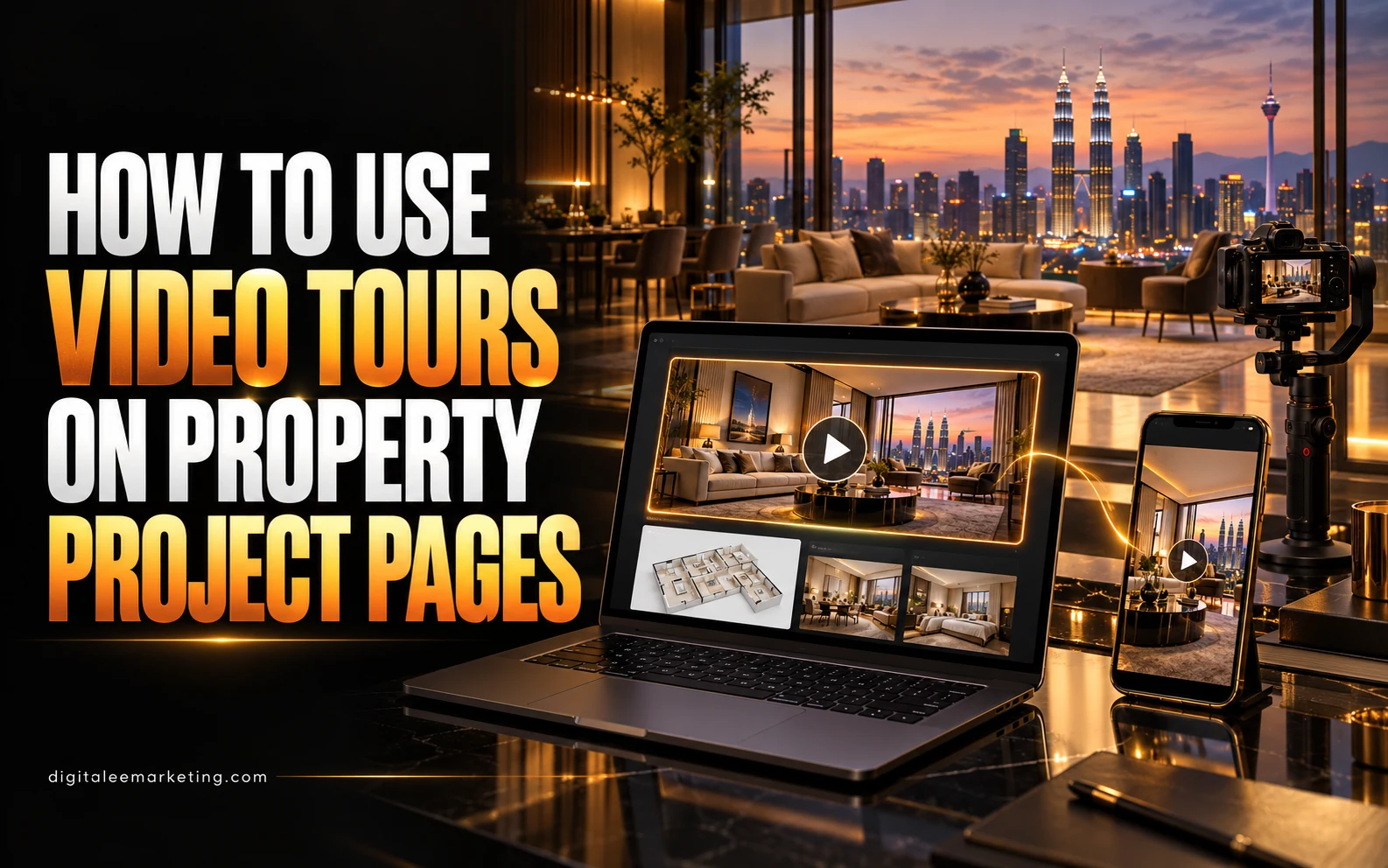
A property project page should help potential buyers understand what they are looking at and decide whether to enquire.
Photographs and floor plans provide essential details. A well-planned video tour adds context by showing how spaces connect, what the surroundings look like, and what visitors can expect during a viewing.
The most useful approach combines clear footage, accurate descriptions, and an easy next step. Here is how to make video tours part of your property project pages.
1. Give Each Video a Clear Purpose
Decide what the video needs to explain before filming.
A project overview might introduce the development, entrances, and shared facilities. A unit walkthrough should help buyers understand a specific layout. A location video can show the surrounding area.
Keep those purposes clear. If you have several layouts, identify which one each video shows rather than expecting one general video to represent every unit.
Plan the footage around the questions your sales team receives most often.
2. Place the Tour Beside Relevant Information
Position the video where it supports the visitor’s research.
A development overview can sit near the project introduction. A unit walkthrough belongs alongside its layout, specifications, and floor plan. A facilities video should appear with the relevant facilities information.
Introduce the video with a short description so visitors know what they will see.
For example:
“Explore the three-bedroom show unit, including the living area, kitchen, bedrooms, and balcony.”
That gives people a reason to press play.
3. Identify Exactly What the Footage Shows
Label the tour clearly.
Explain whether it features an actual available unit, a furnished show unit, a completed common area, or an artist’s visualisation. Include the layout name or unit type where relevant.
Clarify when furnishings, fittings, views, or finishes may differ from what is offered. Date progress footage so viewers can understand when it was recorded.
Accurate labels help your sales team set appropriate expectations before a visit.
4. Show How the Spaces Connect
Plan a walkthrough that is easy to follow.
Begin with a recognisable starting point, such as the entrance, and move through the property in a logical sequence. Give viewers enough time to understand important areas without lingering unnecessarily.
Use the floor plan alongside the video to explain room positions and connections. Avoid camera choices or editing that make the layout difficult to judge.
DigitaLee Marketing’s professional videography and photography services can support property walkthroughs and project presentation content.
5. Make the Video Useful Without Sound
Some visitors will watch with the audio muted.
Use readable captions or brief labels to identify rooms and explain relevant features. Provide captions for spoken information and check names, measurements, and property terminology carefully.
Keep essential project details available as page text, too. Visitors should be able to find the layout, specifications, and viewing information without watching the entire tour.
If narration adds value, keep it specific to what is being shown.
6. Let Visitors Control Playback
Use a clear play button and let people choose when to watch.
Avoid unexpected sound or a video that obstructs the page. Make playback controls easy to use, particularly on a phone.
Choose a thumbnail that accurately represents the footage. A clear view of the property or layout is more helpful than a promotional graphic that leaves the subject unclear.
Check the player’s behaviour on the devices your audience is likely to use.
7. Keep the Page Comfortable to Browse
Video should support the project page without making other information difficult to access.
Work with your website team to choose an appropriate video hosting and loading approach. Check that text, images, forms, and navigation remain usable while the video loads.
Test the page using a phone and a typical mobile connection. Review the thumbnail, playback, captions, and enquiry buttons together.
DigitaLee Marketing offers website and landing page creation to help bring campaign content and enquiry options into one place.
8. Use Aerial Footage to Explain the Surroundings
Aerial footage can help viewers understand a development’s scale and its relationship to nearby features.
Use it where that wider perspective adds useful information. Identify landmarks accurately and avoid suggesting unverified distances, access routes, or travel times.
Keep location footage separate from unit interiors where doing so makes the page easier to understand.
Explore DigitaLee Marketing’s aerial drone photography services for project showcases and location content.
9. Add a Relevant Next Step
Place an enquiry option near the tour so interested viewers can act without searching through the page.
Match the invitation to what they have watched. Useful options include:
- Request details about this layout.
- Ask about current availability.
- Arrange a sales gallery visit.
- Book a viewing.
Make sure the receiving sales team can identify the project or unit type involved. This helps them continue the conversation with relevant information.
10. Connect Short Clips to the Full Project Page
Use shorter versions of the tour in social media content or advertisements where appropriate.
Direct interested viewers to the relevant project page, where they can watch the fuller tour, review the floor plan, and enquire.
Keep names, visuals, and descriptions consistent across those channels. A clip showing one layout should lead to information about that layout.
DigitaLee Marketing’s social media marketing services can support the planning and distribution of your property content.
11. Review How the Tour Supports Enquiries
Assess whether the video helps people understand the property.
Where measurement is available, review video plays and engagement alongside enquiries and viewing appointments. Ask your sales team whether prospects mention the tour and which questions remain unanswered.
Avoid treating watch time alone as proof of business success. Use the feedback to improve the footage, supporting page information, and enquiry process.
12. Keep Tours Current
Assign someone to review the video when project details change.
Check whether the featured layout, condition, facilities, and availability are still represented accurately. Update the description or replace the footage when necessary.
Also confirm that your business has the appropriate permissions to publish the footage, music, and appearances of identifiable people.
A current, clearly labelled tour is easier for both prospects and your sales team to use confidently.
Bring Your Property Project Pages to Life With DigitaLee Marketing
Video tours work best when they answer buyer questions and sit alongside accurate property information.
Plan each tour with a clear purpose, label what it shows, make playback straightforward, and give interested viewers a relevant way to enquire.
DigitaLee Marketing offers professional videography and photography, aerial drone photography, social media marketing, and website and landing page creation.
Explore our services or view our work.
Want to add video tours to your property project pages? Contact DigitaLee Marketing on WhatsApp to discuss your project and content needs.